DeskNest
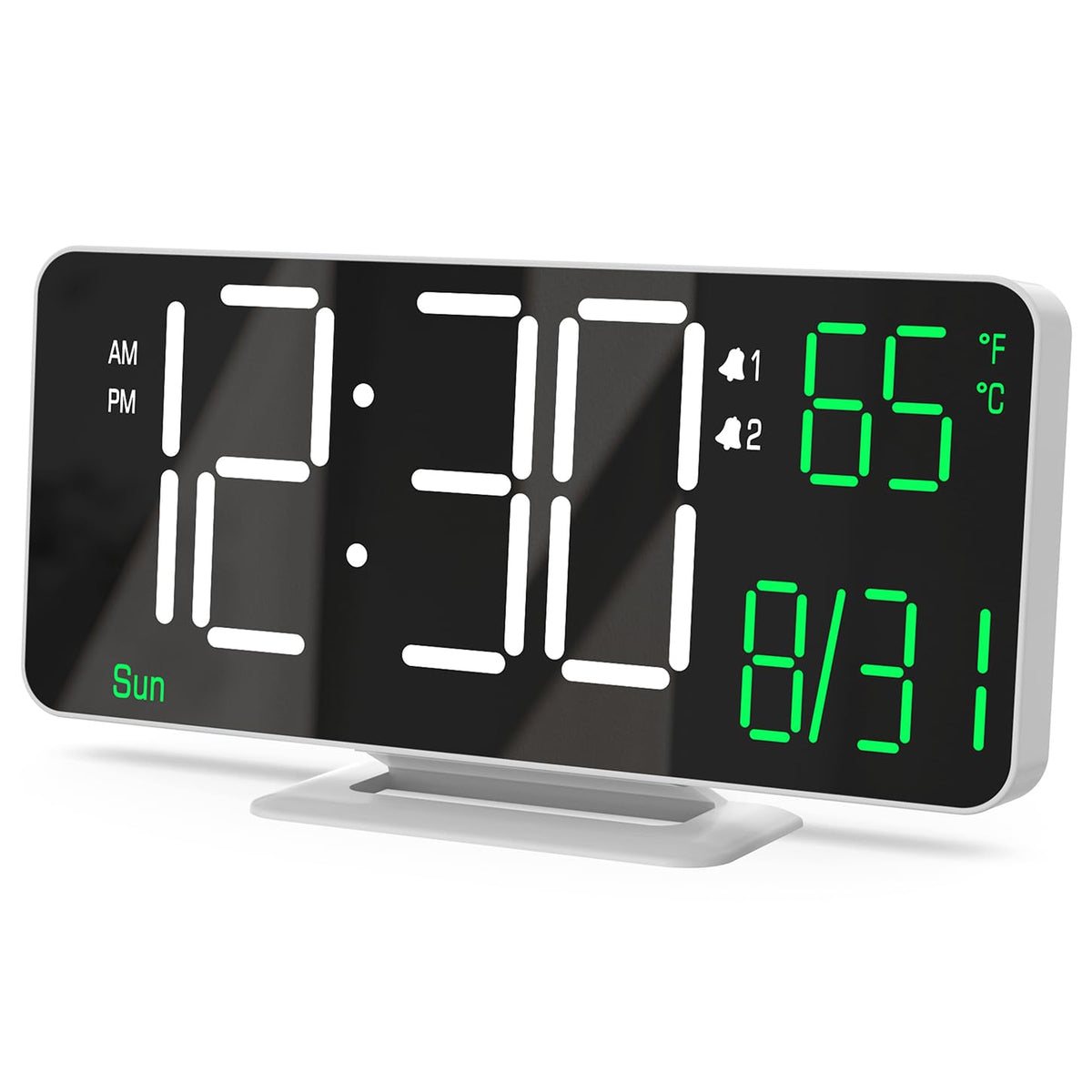
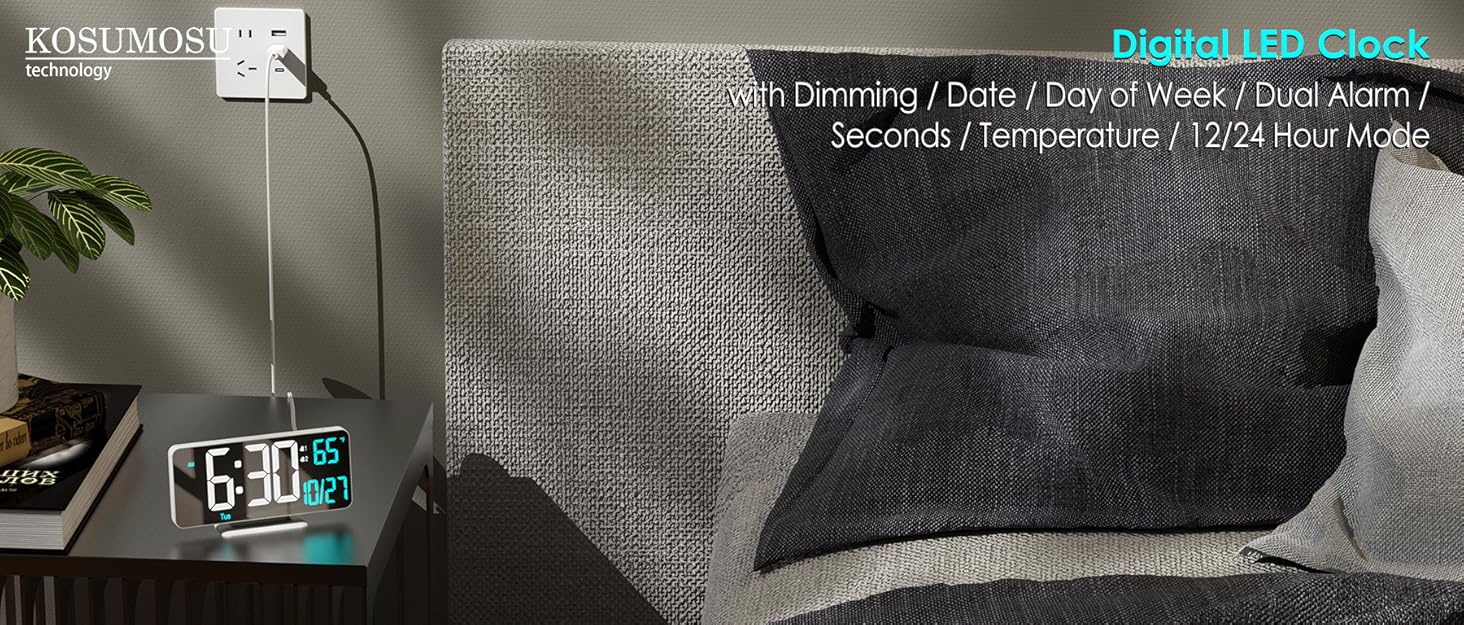
KOSUMOSU Digital Alarm Clock, 6.7in Digital Clock for Bedroom, Auto Dimming, Room Temperature, Day of The Week, Seconds, Date, Desk Clocks for Living Room, Alarm Clocks for Bedrooms
Couldn't load pickup availability
From the brand
-
KOSUMOSU LED Digital Clock
-
KOSUMOSU LED Digital Clock
-
KOSUMOSU LED Digital Clock
Product description
Small Digital Clock
KOSUMOSU Digital LED Clock Series
|
Customer Reviews
|
4.2 out of 5 stars 482
|
4.3 out of 5 stars 295
|
4.2 out of 5 stars 482
|
4.3 out of 5 stars 295
|
4.2 out of 5 stars 2,410
|
4.2 out of 5 stars 2,410
|
4.2 out of 5 stars 2,410
|
|
Product Size
| 6.4 x 0.6 x 3.3 in | 6.4 x1.2 x 3.3 in | 6.4 x 0.6 x 3.3 in | 6.4 x1.2 x 3.3 in | 10 x 3.3 x 0.9 in | 10 x 3.3 x 0.9 in | 10 x 3.3 x 0.9 in |
|
Alarm
| Dual Alarm | Dual Alarm | Dual Alarm | Dual Alarm | Single Alarm | Single Alarm | Single Alarm |
|
with Seconds
| |||||||
|
with Week
| |||||||
|
with Temperature(℃/℉)
| |||||||
|
with 12h/24h format
| |||||||
|
with Auto/Manual Dimming
|
-
Why does the date and day of week show incorrect ?
When setting date/time, note the Year (e.g., 2025). Hold the "SET" for 2s to setting mode. Adjust in sequence: Hour→Minute→Year→Month→Date using the "+" or "-" . Confirm each with "SET" to confirm & proceed.
-
Why is NOT the clock battery-operated?
It constantly requires a plug-in power supply(5V/1A) , because it's a bit power consuming due to the bright LED light, so we excluded the battery design. Thereby avoiding the hassle of charging and replacing batteries.
-
Why did the alarm not ring at the set time ?
1. After setting the alarm time, press Alarm1/2 to activate (Alarm1/2 icon will show on screen).
2. Check the time format: 12h format: 12AM ~ 11PM) / 24h format: 0 ~ 23
-
How to STOP the alarm ring and snooze ?
When the alarm rings, press SNOOZE once to activate a 5-minute snooze. Then if press and hold for 2 seconds SNOOZE until a beep sounds, deactivating the snooze.
-
Can I set alarms for workdays and weekend separately ?
Yes, This digital clock supports dual alarms (Alarm 1 & 2) with 3 customizable cycles: Weekdays (Mon-Fri), Weekends (Sat/Sun), Daily (Mon-Sun)
Share